
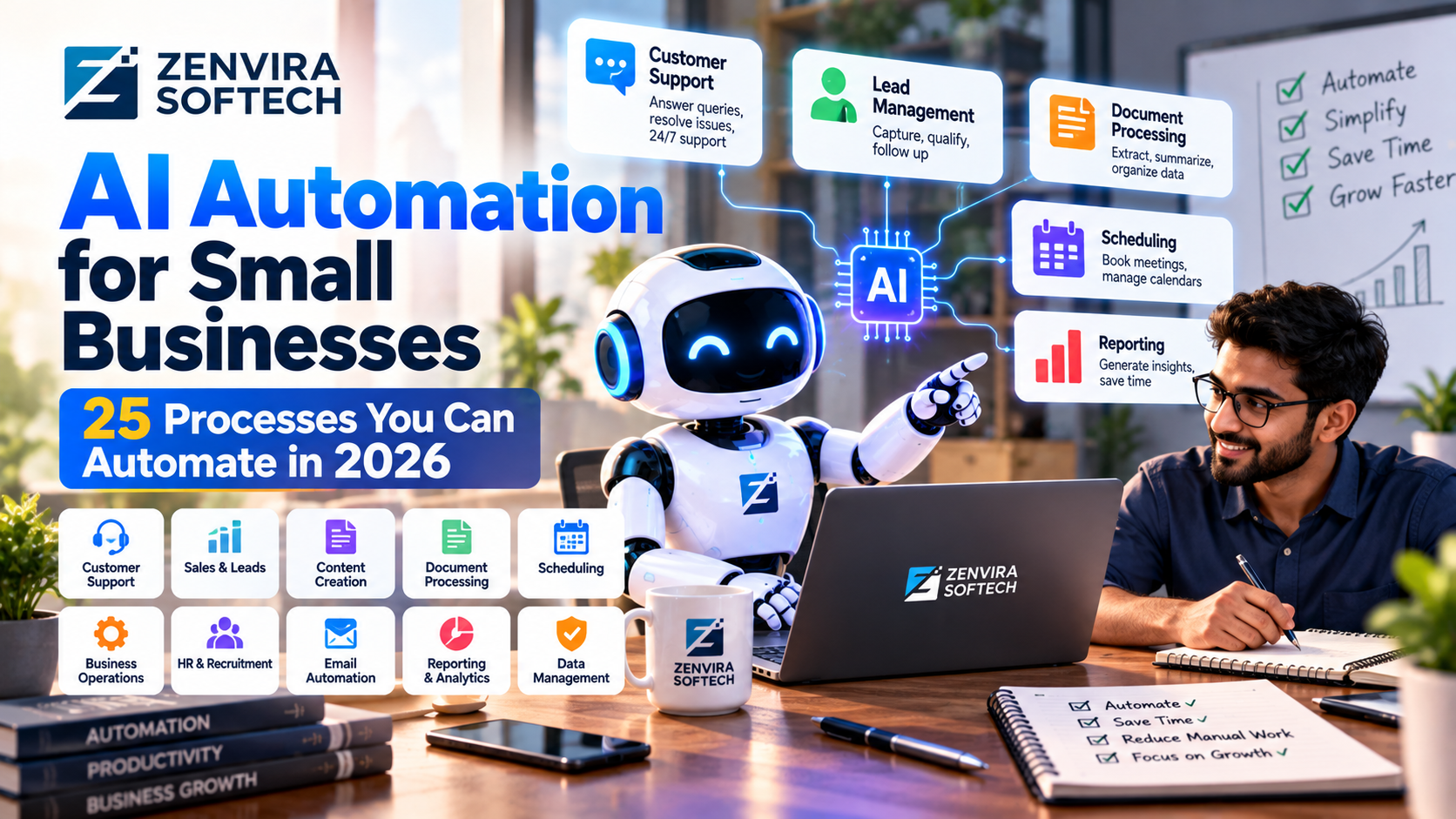
AI Automation for Small Businesses: 25 Processes You Can Automate in 2026
AI automation is becoming increasingly accessible to small businesses.
You do not need to automate an entire organization to benefit from AI.
The better approach is to identify repetitive processes where employees spend significant amounts of time collecting information, writing repetitive responses, moving data between systems, or performing predictable administrative work.
This guide covers 25 practical AI automation opportunities.
What Is AI Automation?
AI automation combines artificial intelligence with software workflows to reduce or automate manual work.
Traditional automation often follows fixed rules.
AI automation can additionally work with:
- Natural language
- Documents
- Emails
- Images
- Unstructured information
- Classification
- Summarization
- Recommendations
# 25 AI Automation Ideas
1. Customer Support
Automatically classify common customer questions and provide responses from approved knowledge sources.
2. Lead Qualification
AI can collect information from inbound leads and categorize them according to predefined criteria.
3. Email Classification
Incoming emails can be classified into categories such as:
- Sales
- Support
- Billing
- Partnership
- General inquiry
4. Meeting Summaries
AI can summarize meetings and extract:
- Decisions
- Tasks
- Owners
- Deadlines
5. Document Summarization
Businesses can automatically summarize long documents.
6. Invoice Processing
AI systems can extract information from invoices and send structured data into accounting workflows.
7. Customer Feedback Analysis
Reviews and surveys can be classified into themes.
8. Sales Follow-Up
AI can help sales teams prepare personalized follow-up messages.
9. Content Research
AI can help collect and organize research before human editorial review.
10. Social Media Drafting
AI can assist with creating drafts based on approved brand guidelines.
11. Internal Knowledge Search
Employees can ask questions about company documentation.
12. Report Generation
Recurring reports can be generated from structured data.
13. Appointment Scheduling
AI assistants can coordinate scheduling when integrated with approved calendar systems.
14. FAQ Generation
Support data can be analyzed to identify recurring questions.
15. CRM Data Cleanup
AI can help identify incomplete or inconsistent CRM records.
16. Product Description Drafting
AI can generate initial product-description drafts.
17. Proposal Drafting
AI can help create proposal drafts from structured information.
18. Recruitment Administration
AI can assist with administrative screening and document organization, subject to appropriate human oversight.
19. Knowledge Base Updates
Support conversations can reveal documentation gaps.
20. Customer Onboarding
AI can guide customers through standard onboarding steps.
21. Internal Notifications
Workflows can trigger notifications based on business events.
22. Data Classification
AI can classify documents and messages into predefined categories.
23. Translation Assistance
AI can assist with translation workflows while humans review important customer-facing content.
24. Research Assistance
AI can gather and organize information for human review.
25. Workflow Monitoring
AI can identify unusual patterns and notify employees for investigation.
Which Processes Should You Automate First?
Look for tasks that are:
- Repetitive
- Time-consuming
- Low risk
- Well defined
- High volume
- Easy to measure
Avoid starting with highly sensitive workflows where errors could create significant consequences.
AI Automation Implementation Process
Step 1: Map the Workflow
Document the existing process.
Step 2: Identify Bottlenecks
Find repetitive manual steps.
Step 3: Select the Technology
Possible components include:
- AI models
- APIs
- Databases
- Workflow systems
- RAG
- Business applications
Step 4: Build a Small Prototype
Automate one narrow workflow first.
Step 5: Add Human Review
Keep humans involved where decisions are important.
Step 6: Measure
Track:
- Time saved
- Error rate
- Cost
- Completion rate
- Human intervention
AI Automation Security
Never give an automation system unnecessary permissions.
Use:
- Authentication
- Authorization
- Audit logs
- Input validation
- Least-privilege access
- Monitoring
Frequently Asked Questions
Is AI automation expensive?
It depends on the workflow and technology required. Simple automations can be relatively lightweight, while deeply integrated systems require more engineering.
Can a small business use AI automation?
Yes. Small businesses can start with focused processes such as support, lead management, document processing, and reporting.
Will AI automation replace employees?
Automation can reduce repetitive work, but businesses still need people for judgment, relationships, creativity, oversight, and complex decisions.
Final Takeaway
The best AI automation project is not necessarily the biggest one.
Start with one repetitive process.
Measure the baseline.
Automate the workflow.
Review the results.
Then expand.
That approach allows a small business to adopt AI gradually while keeping costs and risks under control.