
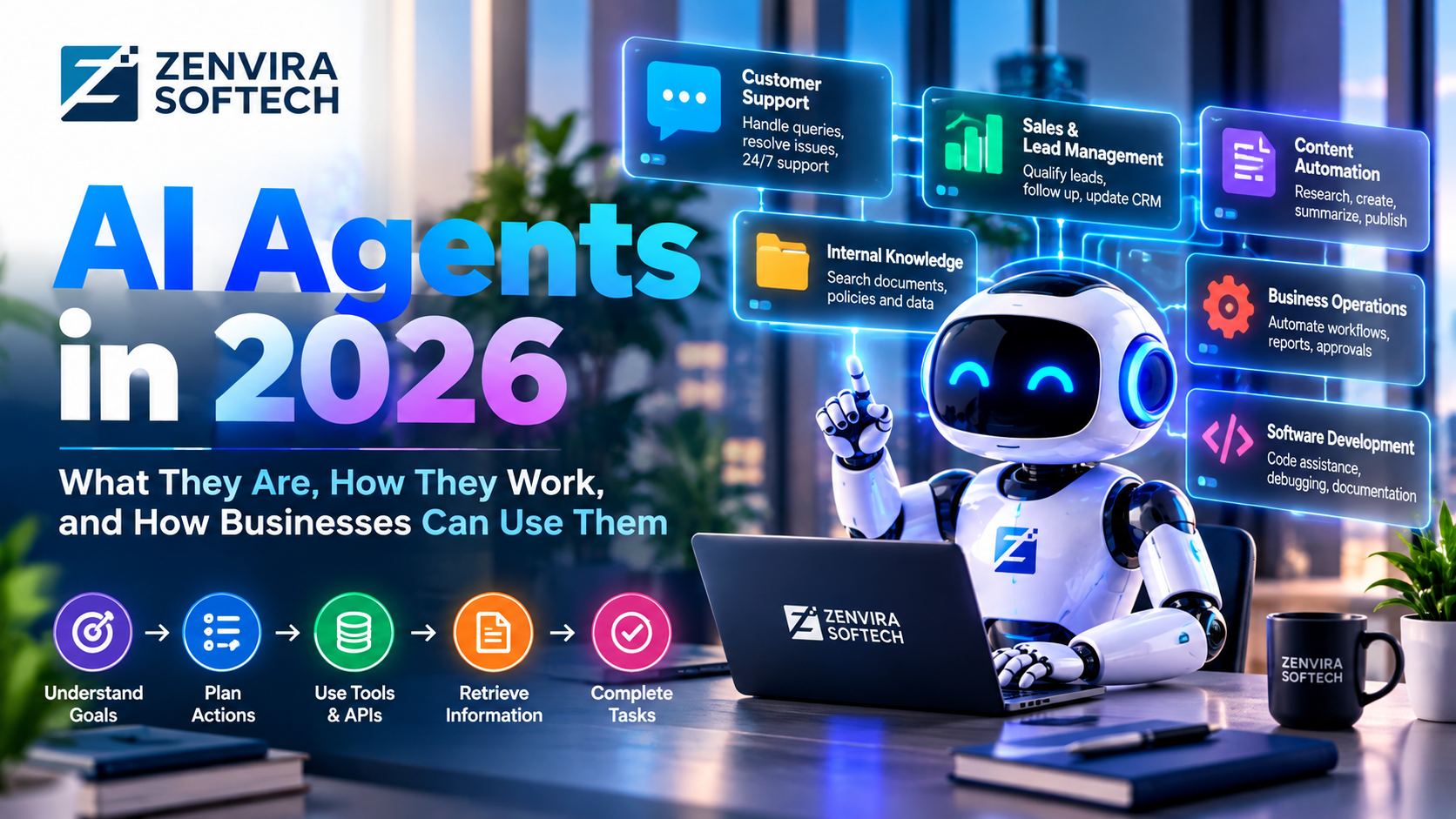
Connecting large language models to live databases, CRMs, internal APIs, and developer tools used to require custom glue code for every model provider and client application. The Model Context Protocol (MCP)—now governed under the Linux Foundation's Agentic AI Foundation and supported across Anthropic, OpenAI, Google, and Microsoft Azure ecosystems—standardizes how AI agents discover and invoke external capabilities over JSON-RPC 2.0.
While spinning up a local MCP prototype takes under an hour, shipping a production remote MCP server requires choosing the right transport (STDIO vs. stateless Streamable HTTP), writing prompt-grade tool descriptions, enforcing OAuth 2.1 and tenant isolation, wrapping tool execution inside a bounded agent harness, and preventing JSON-RPC stream corruption.
Quick Answer: To build a production MCP server in 2026, model your capabilities into Tools (model-invoked actions), Resources (read-only addressable context), and Prompts (reusable workflow templates) using the official TypeScript (@modelcontextprotocol/server) or Python (mcp / FastMCP) SDK. Use STDIO for single-user local IDE tools and stateless Streamable HTTP (standardized in the 2026-07-28 MCP specification) behind OAuth 2.1 and a deterministic policy gateway for multi-user cloud deployments.
What Is an MCP Server and How Does It Work?
An MCP server is a lightweight service that exposes structured data, executable functions, and workflow prompt templates to an AI host application (such as Claude, ChatGPT, Cursor, VS Code, or a custom enterprise agent) over a standardized JSON-RPC 2.0 interface defined in the official Model Context Protocol specification.
Instead of hard-coding tool definitions inside every client prompt, an MCP host connects to one or more MCP servers, queries their advertised capabilities (server/discover, tools/list, resources/list, prompts/list), and invokes specific tools (tools/call) with schema-validated JSON arguments when needed. When independent agents across separate teams also need to delegate long-running tasks to one another, layer A2A horizontally above MCP—compare both layers in MCP vs. A2A (2026): Architecture, ACP Merger & When to Pair.
MCP Server vs. Traditional REST API
| Dimension | Traditional REST API | Model Context Protocol (MCP) Server |
|---|---|---|
| Primary Consumer | Deterministic frontend and backend application code | Probabilistic AI models and agentic hosts |
| Capability Discovery | Static OpenAPI/Swagger docs read by human developers at build time | Dynamic runtime discovery (server/discover, tools/list) with LLM-readable descriptions |
| Execution Pattern | Stateless HTTP CRUD endpoints (/orders, /users) |
Intent-aligned primitives (Tools, Resources, Prompts) designed for multi-step reasoning |
| Human Oversight | Handled manually in frontend UI forms | Native protocol support for client-side tool approval dialogs and human-in-the-loop gates |
The 3 MCP Primitives: Tools, Resources, and Prompts
Designing a clean MCP server starts with mapping each capability to the right protocol primitive:
| MCP Primitive | Control Model | Protocol Methods | Best Use Cases |
|---|---|---|---|
| Tools | Model-controlled (the LLM decides when to invoke based on user intent) | tools/list, tools/call |
Querying live databases, creating CRM tickets, running RAG search, triggering workflows |
| Resources | Application/User-controlled (loaded via URI like crm://accounts/active) |
resources/list, resources/read |
Reference schemas, runbooks, policy documents, system logs, structured JSON snapshots |
| Prompts | User-controlled (invoked via slash commands or UI templates) | prompts/list, prompts/get |
Standardized incident triage workflows, weekly reporting templates, code review checklists |
Practical design rule: If the language model should autonomously decide when to fetch or mutate data during reasoning—such as invoking an Agentic RAG vs. Traditional RAG retrieval pipeline—register a Tool. If the user or host application explicitly attaches background context, expose a Resource.
Choosing a Transport: STDIO vs. Streamable HTTP (2026 Spec)
The MCP specification defines two active transports—and deprecates the older dual-endpoint HTTP+SSE transport from early 2024:
| Evaluation Criteria | STDIO Transport | Streamable HTTP Transport (`2026-07-28` Stateless Spec) |
|---|---|---|
| Deployment Topology | Local subprocess spawned on the user's machine (stdin/stdout) |
Remote HTTP endpoint (/mcp) supporting POST and optional SSE streaming |
| Concurrency & Scale | Single user, single machine (1 process per client session) | Multi-user enterprise service; scales horizontally across stateless pods behind a load balancer |
| Authentication Model | Local environment variables (process.env) |
Standard HTTP Bearer tokens, OAuth 2.1 (PKCE + RFC 8707), and API gateway headers |
| Logging Pitfall | Writing to stdout corrupts JSON-RPC frames; must log strictly to stderr |
Standard stdout and structured HTTP logging work normally |
| Best Fit | Local filesystem, Git, CLI tools, developer IDE extensions | Shared company CRMs, SaaS integrations, databases, internal cloud APIs |
Step-by-Step: Build an MCP Server in TypeScript
1. Initialize Project and Install Official SDK
mkdir order-mcp-server && cd order-mcp-server
npm init -y
npm pkg set type="module"
npm install @modelcontextprotocol/server zod
npm install -D typescript @types/node tsx
2. Implement Typed Tools with Strict Zod Schemas
Write tool descriptions as precision prompt instructions—explicitly stating when to use the tool, what each parameter means, and what constraints apply. Always log diagnostics with console.error() so stdout stays reserved for JSON-RPC messages:
import { McpServer } from "@modelcontextprotocol/server";
import { serveStdio } from "@modelcontextprotocol/server/stdio";
import { z } from "zod";

const server = new McpServer({
  name: "order-operations-mcp",
  version: "1.0.0",
});

server.registerTool(
  "get_order_status",
  {
    description:
      "Retrieve current fulfillment status, carrier tracking, and refund eligibility for a verified customer order ID. Use this read-only tool before answering any delivery or return policy question.",
    inputSchema: z.object({
      orderId: z
        .string()
        .regex(/^ORD-[0-9]{6}$/)
        .describe("Order identifier formatted as ORD-123456"),
      tenantId: z
        .string()
        .min(3)
        .describe("Authenticated merchant tenant identifier"),
    }),
  },
  async ({ orderId, tenantId }) => {
    console.error(`[AUDIT] get_order_status tenant=${tenantId} order=${orderId}`);

    // Replace with parameterized database or ERP lookup scoped to tenantId
    const orderRecord = {
      orderId,
      tenantId,
      status: "IN_TRANSIT",
      estimatedDelivery: "2026-11-20",
      refundEligible: true,
    };

    return {
      content: [
        {
          type: "text",
          text: JSON.stringify(orderRecord, null, 2),
        },
      ],
    };
  }
);

async function main() {
  await serveStdio(server);
  console.error("Order Operations MCP server running on STDIO");
}

main().catch((err) => {
  console.error("Fatal MCP server error:", err);
  process.exit(1);
});
Step-by-Step: Build a Streamable HTTP MCP Server in Python (FastMCP)
For multi-user cloud deployments, Python's official mcp SDK (v2.0+ / FastMCP) lets you expose the exact same tool logic over Streamable HTTP with one transport flag:
import logging
import sys
from typing import Literal
from mcp.server.fastmcp import FastMCP

# Configure logging to stderr so stdio mode never corrupts JSON-RPC stdout
logging.basicConfig(
    level=logging.INFO,
    format="%(asctime)s %(levelname)s %(message)s",
    stream=sys.stderr,
)
logger = logging.getLogger("crm-mcp")

mcp = FastMCP("crm-lead-router")


@mcp.tool()
def score_inbound_lead(
    company_domain: str,
    team_size: Literal["1-10", "11-50", "51-250", "250+"],
    monthly_budget_usd: int,
) -> dict:
    """Classify and score an inbound B2B inquiry for sales routing.

    Do not call this tool for existing customer support tickets.
    """
    if monthly_budget_usd < 0 or monthly_budget_usd > 1_000_000:
        raise ValueError("monthly_budget_usd must be between 0 and 1,000,000")

    tier = "ENTERPRISE" if team_size == "250+" or monthly_budget_usd >= 10000 else "GROWTH"
    logger.info("Scored lead domain=%s tier=%s", company_domain, tier)

    return {
        "company_domain": company_domain,
        "routing_tier": tier,
        "requires_solutions_architect": tier == "ENTERPRISE",
    }


if __name__ == "__main__":
    # Run stateless Streamable HTTP for remote load-balanced deployment
    mcp.run(transport="streamable-http", host="0.0.0.0", port=8000)
Production MCP Architecture: Security, Gateways, and Governance
Moving an MCP server from a developer laptop to enterprise production requires pairing the protocol server with a deterministic AI agent harness and sandbox layer:
[ AI Host / Agent (LangGraph, CrewAI, Claude, Custom App) ]
                         |
                         v  (HTTPS + OAuth 2.1 Bearer Token)
        [ API Gateway & MCP Policy Proxy ]
          - Token introspection & tenant extraction (RFC 8707)
          - Per-tool RBAC, step/token caps & rate limiting
          - Payload size & schema enforcement
                         |
                         v
        [ Stateless Streamable HTTP MCP Pods ]
          - Read-only tools by default
          - Human approval flag on write/delete tools
          - Structured audit logs & OpenTelemetry traces
                         |
                         v
        [ Scoped PostgreSQL Views / Internal APIs ]
5 Production Hardening Rules for MCP Servers
- Enforce OAuth 2.1 and Backend Tenant Scoping: Never trust a
tenantIdoruserIdpassed purely by the language model as an authorization proof. Extract the verified user and tenant identity from the validated HTTPAuthorizationheader (with PKCE and RFC 8707 Resource Indicators) at the gateway layer. - Design Narrow, Read-Only Tools First: Avoid exposing generic
runsqlqueryordeleterecordtools. Expose narrow, single-purpose tools (searchinvoices,draft_quote) and require explicit human approval for state-mutating actions. - Constrain Inputs with Enums and Numeric Bounds: Tight JSON Schemas (
z.enum(...),min,max, regex patterns) prevent hallucinated arguments before handler code executes. - Sanitize Tool Outputs Against Indirect Prompt Injection: Data returned from external webpages, support tickets, or CRM notes can contain hostile instructions aimed at hijacking the calling agent. Review our deep dive on AI Agent Security (2026): 7 Prompt Injection Defenses and our Website Security Checklist 2026.
- Keep HTTP Replicas Stateless: Under the
2026-07-28Streamable HTTP specification, store multi-step workflow state in PostgreSQL or Redis rather than process memory so load balancers can route consecutive tool calls across any container replica.
Connecting MCP Servers to Multi-Agent Frameworks
Once deployed over Streamable HTTP, a single MCP server can be shared across multiple orchestration stacks without rewriting integration code—whether you build deterministic workflows in LangGraph, role-based teams in CrewAI, or enterprise .NET/Python agents in Microsoft Agent Framework 1.0. Compare orchestration trade-offs in LangGraph vs. CrewAI vs. AutoGen (2026): Production AI Guide, explore business workflows in AI Agents in 2026: Architecture, MCP & 6 B2B Use Cases, and plan build budgets with our AI Agent Cost in India (2026) and Custom AI Cost in India (2026) guides.
Frequently Asked Questions
What is an MCP server in simple terms?
An MCP (Model Context Protocol) server is a standardized bridge that lets AI assistants and autonomous agents safely read data from and take actions in external software—such as databases, CRMs, calendars, and internal APIs—without requiring custom integration code for every AI model.
What is the difference between MCP and a REST API?
A REST API exposes raw HTTP endpoints designed for deterministic software code, whereas an MCP server wraps business operations into self-describing Tools, Resources, and Prompts with natural-language instructions and JSON Schemas that AI models can discover and invoke dynamically at runtime.
Should I use STDIO or Streamable HTTP for my MCP server?
Use STDIO when building a local tool that runs on a single developer's machine (such as a local Git or filesystem assistant). Use Streamable HTTP when deploying a shared remote MCP server in the cloud that requires OAuth 2.1 authentication, centralized audit logging, and horizontal scaling.
Why does console.log() break a local STDIO MCP server?
In STDIO mode, the MCP host and server exchange newline-delimited JSON-RPC messages over stdout. Any plain-text console.log() or print() statement written to stdout corrupts the JSON stream and crashes the connection—always write logs to stderr (console.error() in Node.js or sys.stderr in Python).
How do you secure a production MCP server?
Deploy the server behind an OAuth 2.1 or API gateway that verifies caller identity and RFC 8707 audience scope, enforce per-tool role-based access control, validate all inputs with strict schemas, keep tools read-only by default, isolate code execution inside sandboxes, require human approval for destructive or external actions, and log every tools/call invocation.
Conclusion and Next Steps
Building an MCP server in 2026 turns fragmented point-to-point AI integrations into reusable, governed infrastructure. Start with narrow, read-only tools validated with strict schemas, test locally over STDIO, and deploy to production over stateless Streamable HTTP behind OAuth 2.1, sandboxed execution, and per-tool authorization gates.
Explore related architecture guides on MCP vs. A2A (2026): Architecture, ACP Merger & When to Pair, What Is Harness Engineering? Cut AI Agent Bugs 60%, Agentic RAG vs. Traditional RAG (2026), and Small Business AI Automation (2026).
Need help designing, hardening, or deploying custom MCP servers and enterprise AI agents? Explore Zenvira's AI Agents & Automation engineering services or schedule an architecture consultation.